How do I make a withdrawal?
Withdrawing money from your Ignition account is very easy; follow these steps to discover how:
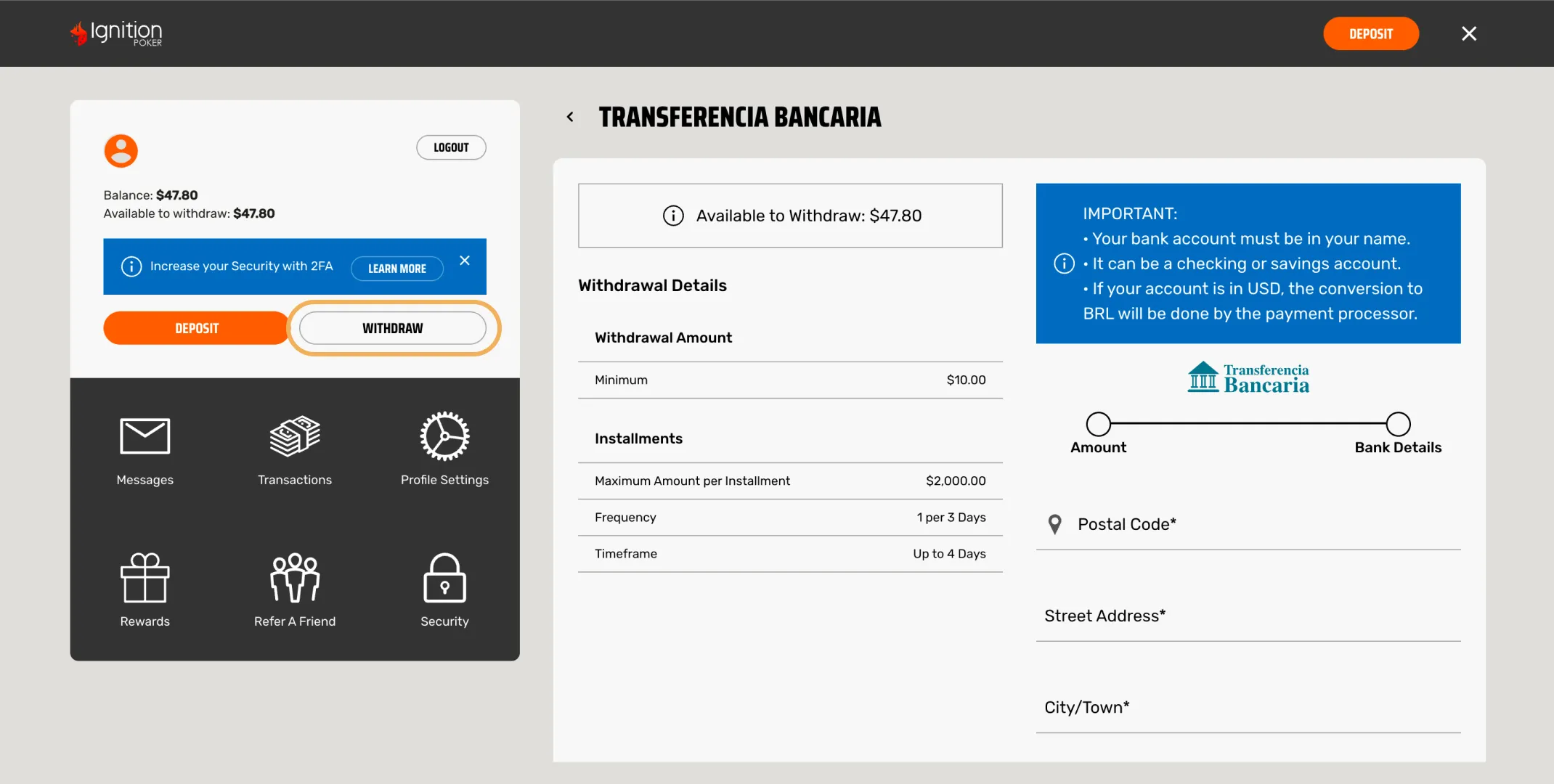
- Log in to your account, click on the upper right-hand menu and select “Withdraw.”
- Select your most convenient withdrawal method. Make sure you check the term of each transaction and the values indicated.
- After entering the requested information, click on the “Request Withdrawal” option.
- Once your requested withdrawal is approved, you will see a transaction reference number and the corresponding details.
Please take the following considerations into account when making a withdrawal:
- To ensure that your withdrawal is carried out securely, our team may request you to provide certain validation documents.
- Once the withdrawal is approved, the amount is withdrawn from your account.
- Withdrawals take 24 to 48 hours to be completed. The terms may vary, depending on the selected method.
Did you find what you were looking for?